Design, preview and export icons in one place

A vector editor that only does icons, with liquid glass, clay and emboss built in. It runs directly in your browser and exports .icns, PNG and Icon Composer .icon bundles.
  • Free
  • No account needed until you export
  • Runs in your browser
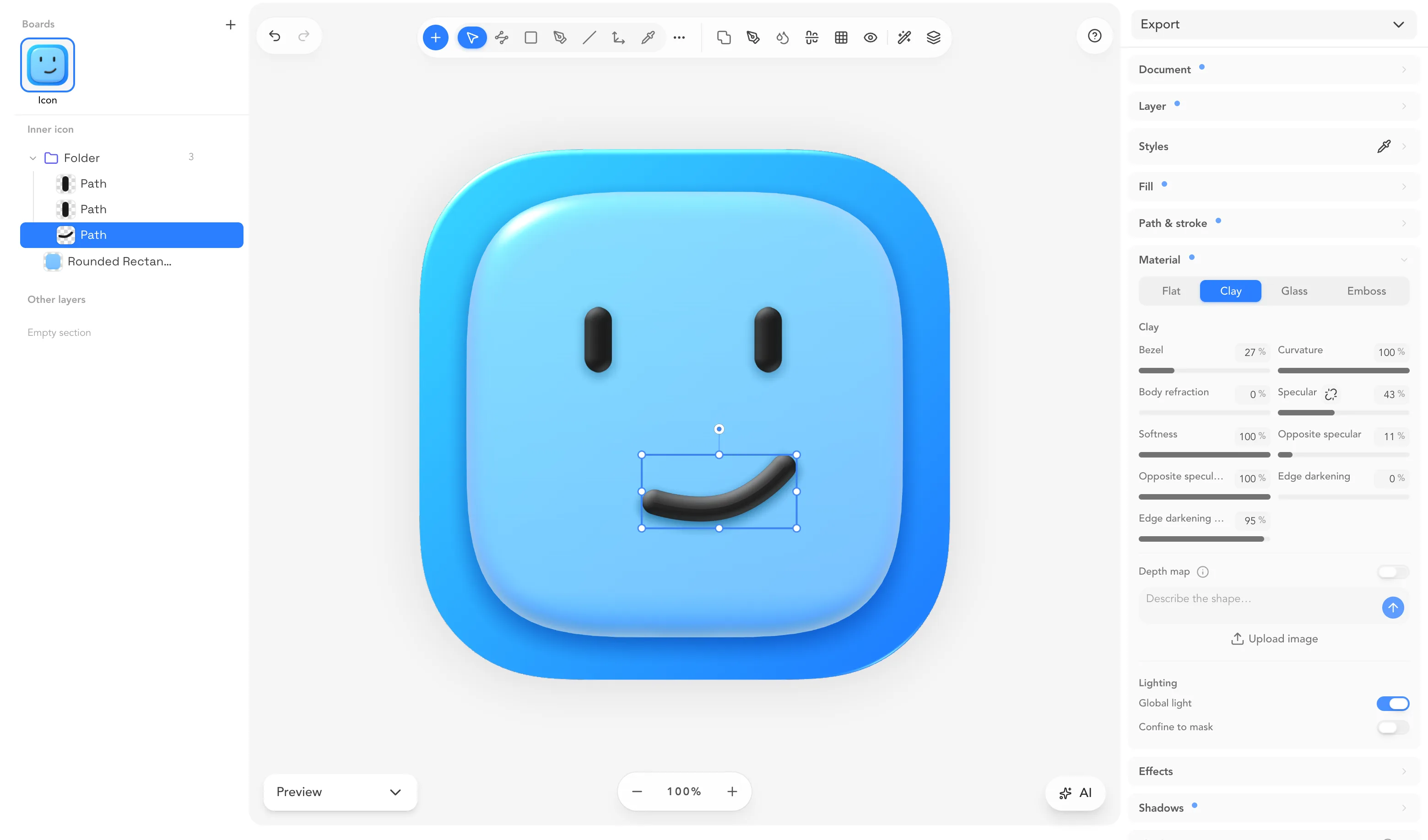
The macOSicons editor with the macOSicons logo on the canvas, a glass plate with clay eyes and smile, the layer list on the left and the material inspector on the right

One icon, ready for every platform

  • macOS
  • Icon Composer
  • iOS
  • Xcode
  • Windows
  • Linux
  • The web

From the first path to the finished .icns, without leaving the tab.

Materials Try it live

Glass, clay and emboss on live vector shapes

The material stays attached to the path, so when you change the shape, the refraction, bezel and specular follow it.

Refraction100 %
Bezel100 %
Curvature100 %
Chroma9 %
Specular100 %
Tint strength40 %

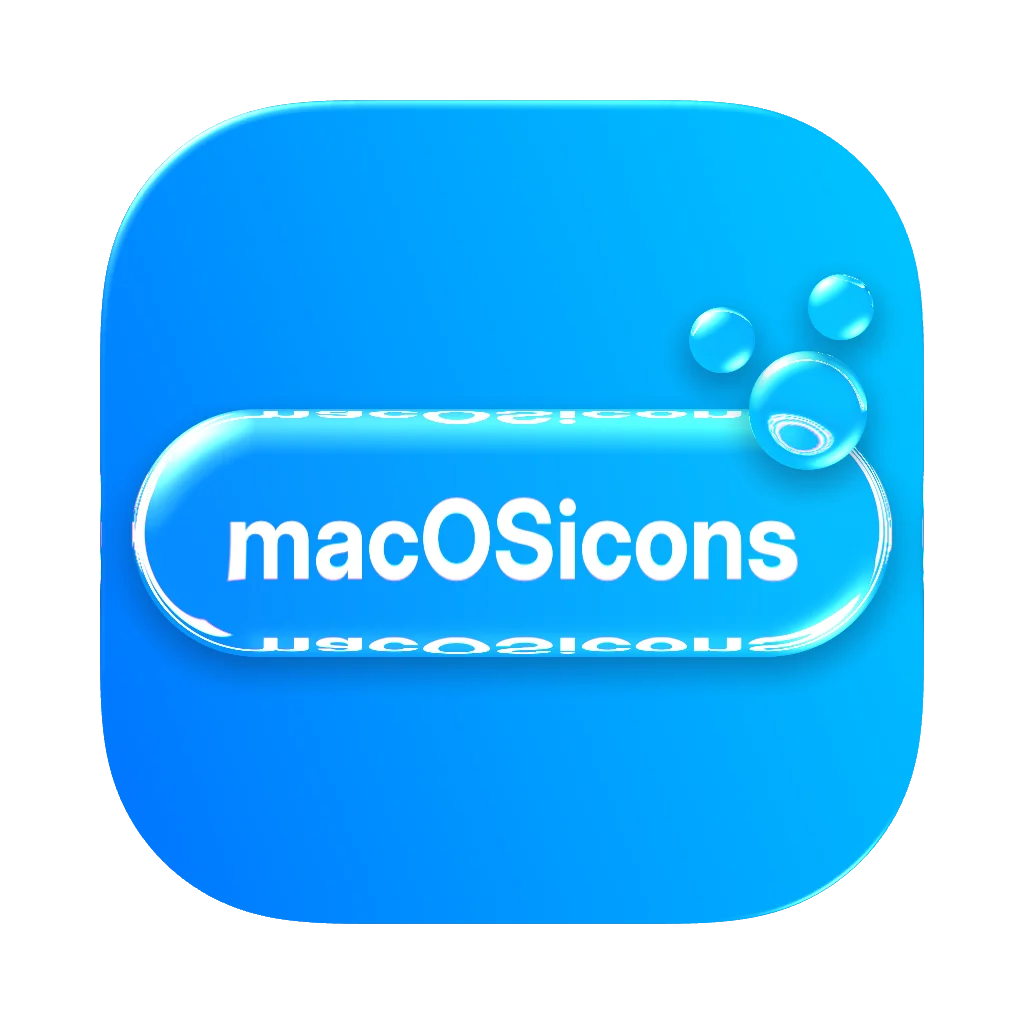
The inspector's own sliders, on the editor's own glass shader. Drag a bubble over the wordmark to watch it refract.

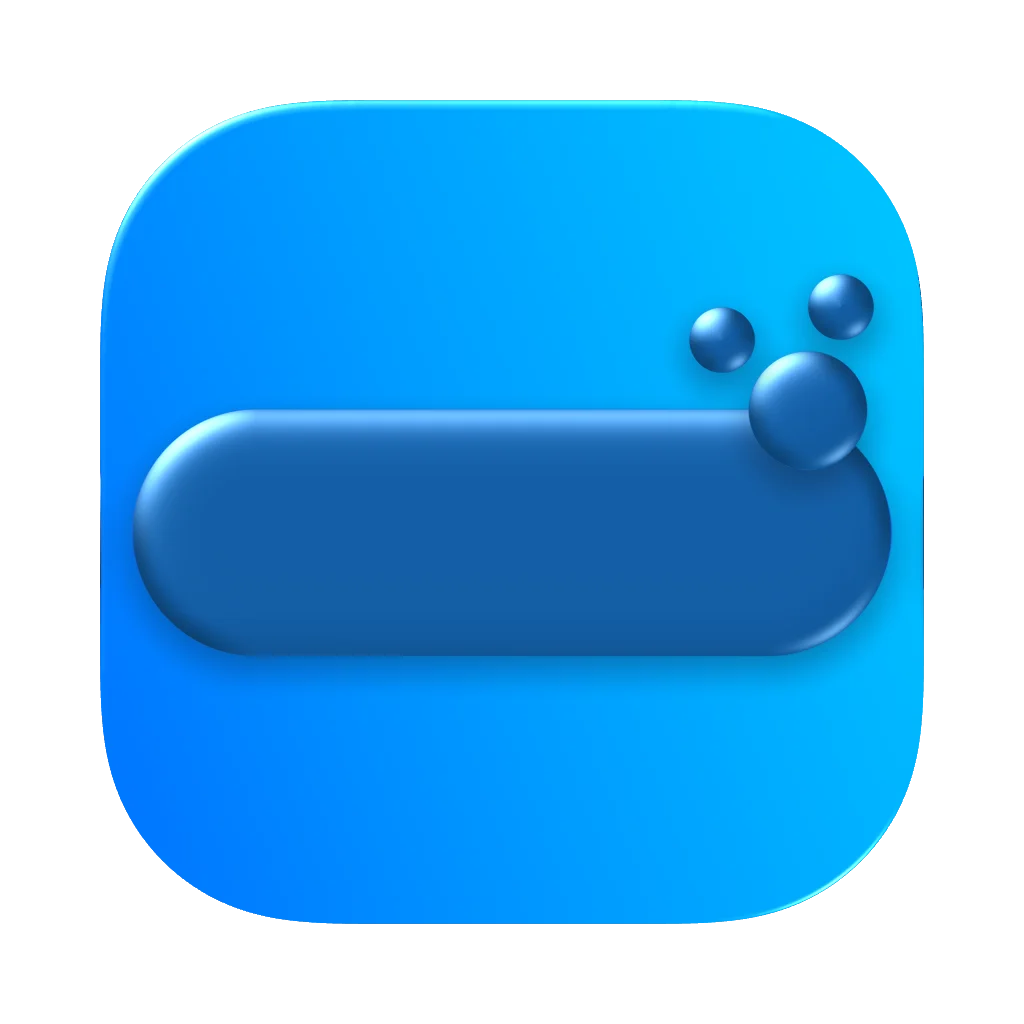
The same icon rendered in FlatThe same icon rendered in ClayThe same icon rendered in GlassThe same icon rendered in Emboss
Vector tools

Draw with real vector tools

  • Pen, lines and point-by-point path editing
  • Boolean operations, corner radii and Apple's squircle corners
  • Heroicons and Lucide glyphs, text layers and woven paths
The editor's layer list and canvas, with a path selected on a clay icon
App and folder icons

The app icon and its folder, in one document

  • macOS folder boards with real tint, blur and grain
  • macOS, iOS and watchOS masks, or no mask at all
  • Several boards side by side, each with its own layers
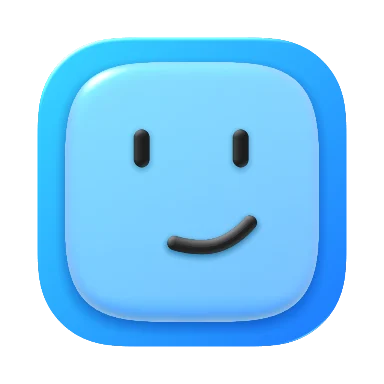
The app icon and a macOS folder with the same face, as two boards of one document
Editor

Pixels, paths and polish. One editor.

  • Backgrounds that match

    Mesh gradients you shape by hand, and color suggestions, harmonies included, taken from your own artwork.

  • Effects, stacked

    Inner and outer shadows, glow, grain, sticker borders and holographic foil, plus GLSL shaders you can write yourself.

  • From pixels to paths

    Remove a background four different ways, or trace a bitmap into an editable SVG layer with a live preview.

  • Start from a template

    Open a designed template, or duplicate any project in the community gallery to see exactly how it was built.

Weave

Make paths pass over and under.

Turn overlapping paths into a woven mark, then choose which strand sits on top at every crossing.

  • Your original paths stay separate and editable
  • Click any crossing to flip the over-and-under order
  • Remove the weave whenever you want the plain paths back
AI

Describe it. Get layers you can edit.

Generate up to eight icon options from one prompt, or split a flat image into separate layers. Everything comes back as layers on your canvas, so you can keep going by hand.

AI needs a free account. Every account gets AI credits each month.

Preview, export, share

From the canvas to the Dock.

01

See it where it will live

Check your icon at real pixel sizes, in the Dock and on a Home Screen, in light and dark, before you export anything.
02

Export every format

Icon Composer .icon bundles for macOS Tahoe, .icns for older versions, PNG at any size, an .appiconset for Xcode, Windows and Linux kits and a favicon pack, or all of it in one zip.
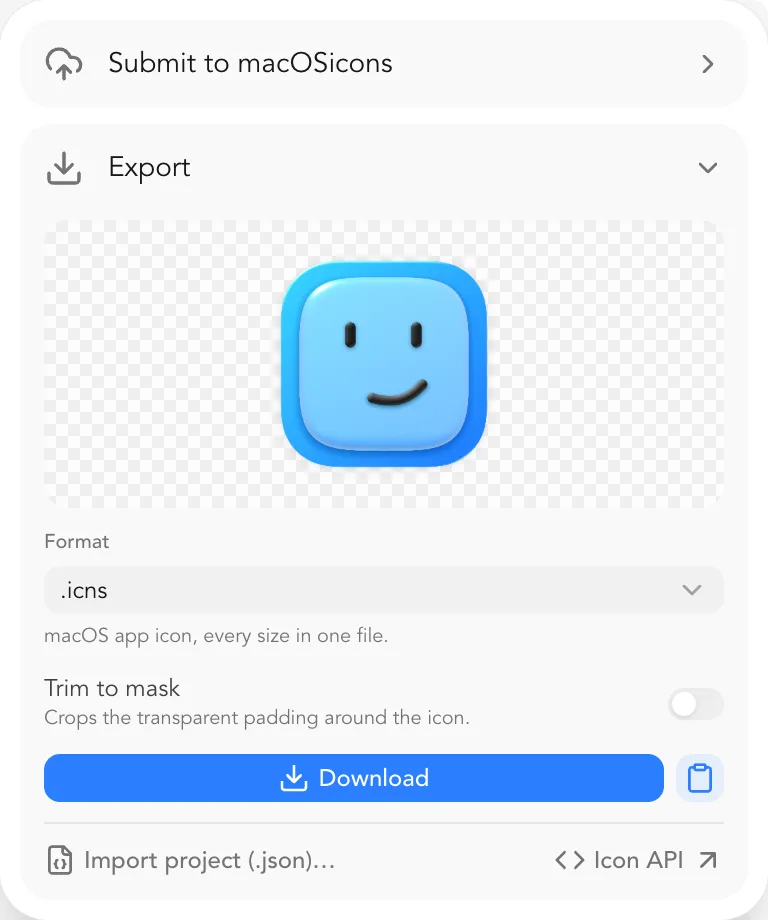
The export menu listing the formats
03

Share it, or publish it

Send a link that can view or edit, post the project to the community gallery, or submit the finished icon to the macOSicons library.

And more

The rest of the toolbox

For developers

Icon Toolkit and API

Search, mask, convert and generate icons without opening a document. Every button in the toolkit is also an API endpoint.

Search
25,000+ macOS app icons, with filters and categories.
Mask
Any PNG into a compliant app or folder icon, shadow included.
Generate
A prompt in, up to eight masked icons out.
Convert
.icns, .ico, .appiconset and Icon Composer .icon bundles.
Favicons & kits
A web favicon pack, or every release artifact in one zip.
Remove background
Pixel-exact, no AI repainting.
Palette & previews
Extract the colors, or see the icon in a Dock mockup.
Image conversion
Convert or compress a batch of images at once: PNG, JPEG, WebP, AVIF and more.
API docs
# Mask any PNG into a macOS app icon
curl -X POST https://api.macosicons.com/api/v1/editor/mask \
  -H "x-api-key: $MACOSICONS_API_KEY" \
  -F "image=@artwork.png" \
  -o icon.png

# Every release file in one zip
curl -X POST https://api.macosicons.com/api/v1/editor/pack \
  -H "x-api-key: $MACOSICONS_API_KEY" \
  -F "image=@artwork.png" \
  -o release-kit.zip
Every account gets an API key with a free tier.
Pricing

Free to design. Plus when you need more room.

Free

The whole editor, for everyone.

€0

No card needed.

  • Every tool, material and effect
  • Every export format
  • Start designing without signing up
  • AI credits every month

macOSicons+

One membership. All of macOSicons.

Save 25% with yearly billing

See plans
  • More room in the editor
  • More AI credits
  • No ads, anywhere
  • More API calls

Frequently asked questions

Quick answers about pricing, accounts, formats and more.

Your next icon starts here.

It opens as a scratch document in your browser. Sign up when you want to save or export.